Lock apps, check. Hides apps, check.
Despite bad first impressions, Apps Lock & Gallery Hider manages to provide all the services it promises too without many issues.
Top Recommended Alternative

Clean and clear
Most of what I dislike about Apps Lock & Gallery Hider surfaces as you start using the app. However, it seems unfair to malign what is a functional tool without first highlighting what it does well. And what it does well is lock your apps and hide your gallery.
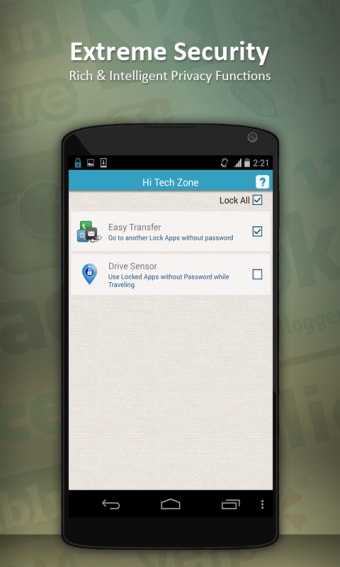
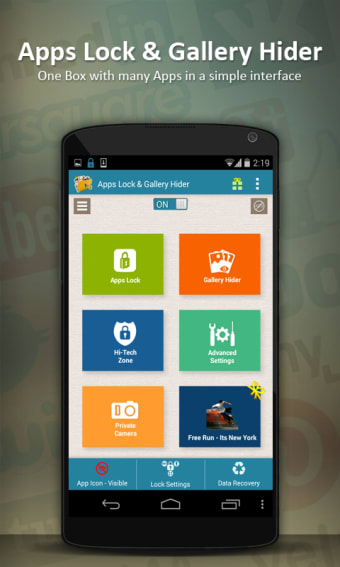
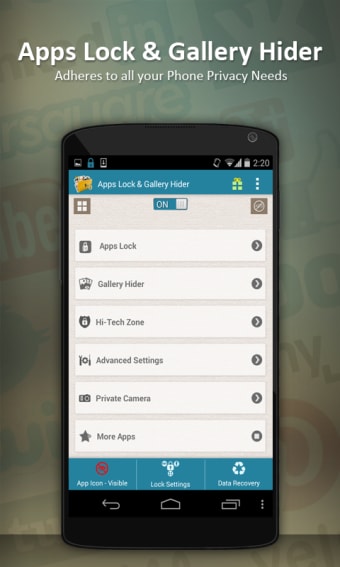
The app's interface is nice and clear. It highlights all of its main functions in a nice tile or list format. But of all the options available, two stand out as the main ones - App Lock and Gallery Hider.
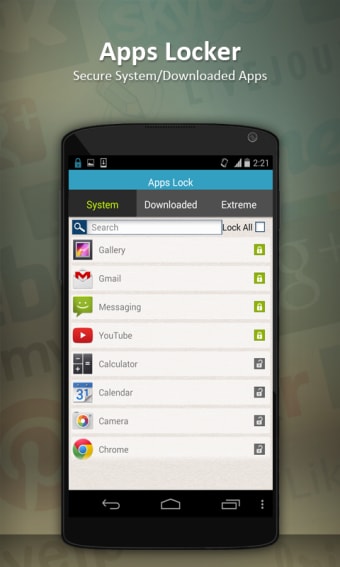
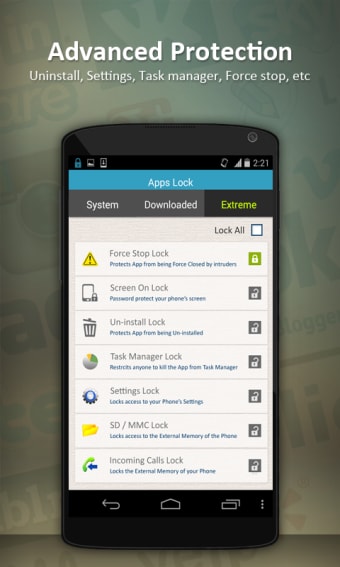
Tapping on App Lock opens a larger options menu. There are thee tabs in this section, System (emails, browsers, store, downloads, etc), Downloaded (specific apps), and Advanced (calls, setting, and SMS). These tabs present you with a clear list of related icons, and tapping on the padlock icon next to any of these lets you lock access to the related app/function behind your pin.
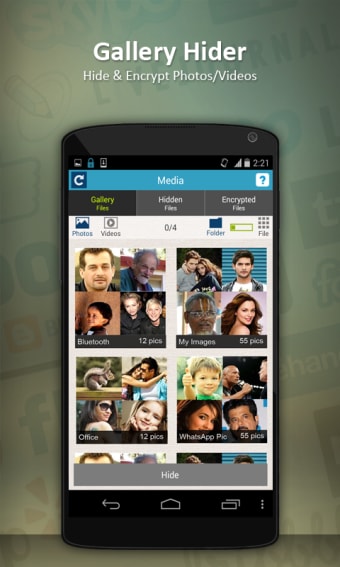
Gallery Hider is similarly easy to understand. Clicking on this opens your Gallery and holding on any image allows you to select it to be Hidden or Hidden and Encrypted.
Cancel and ignore
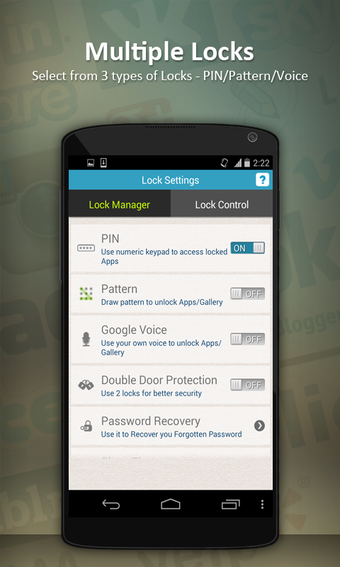
But as I said, most of Apps Lock & Gallery Hider come at the beginning. After installing and starting the app for the first time, it asks you to enter and confirm your pin before asking you register using Google+ or Facebook (there is an email option also available) for password recovery. Given your desire for this app is probably security, requesting such info seems counter intuitive but you can choose just to hit cancel and enter the app without giving over your details – not an immediately apparent option. This process felt misleading, as it gave the strong impression that I would not be able to continue without registering.
This sense that the app not being totally upfront persists, with a few early options pointing out that the pro features only exist behind a pay-wall. Again, however, most of these features are unnecessary if all you want are the base functions.
Simple lock tool
A little poking around on Apps Lock & Gallery Hider revealed everything described in the apps name, all presented with a clean nice interface. The ability to individually lock apps as with Hexlock would certainly be a nice touch – but as an extra level of security between letting a kid use your phone and them accidentally deleting everything, it does the job.